
Merge JPG Images Easily – Free Online Tool (No Software Needed)
Whether you’re organizing pictures, creating photo collages, or combining multiple images into one for sharing, merging JPG images is a common task. The good news? You don’t need to install any software. Our free online JPG merge tool makes it quick and easy.
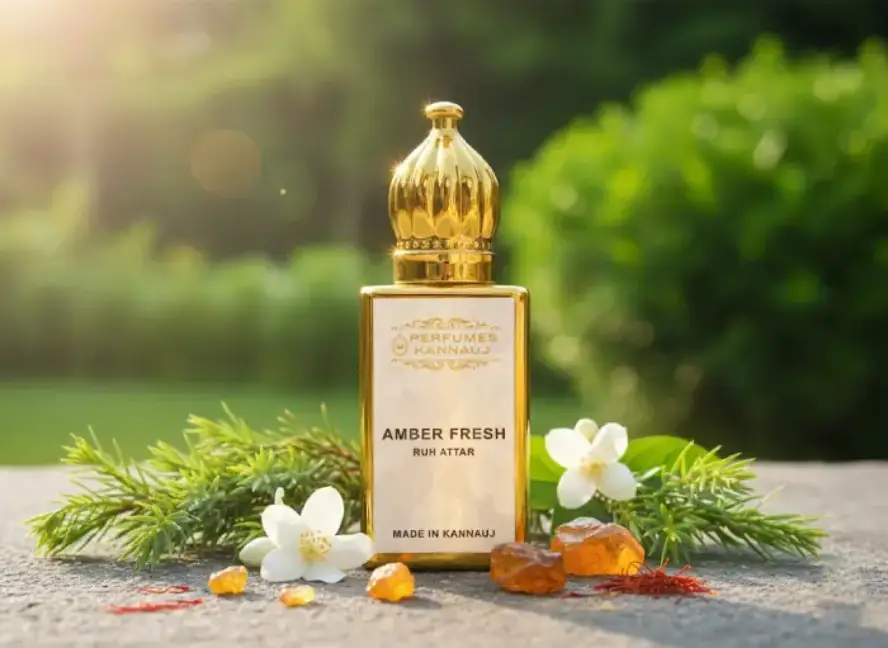
Amber Fresh Attar – Clean Citrus & Warm Amber | Long-Last 6ML
Amber Fresh Attar blends refreshing citrus, soft florals, and warm amber for a clean, long-lasting fragrance. 100% natural, alcohol-free, and perfect for…
Explore Product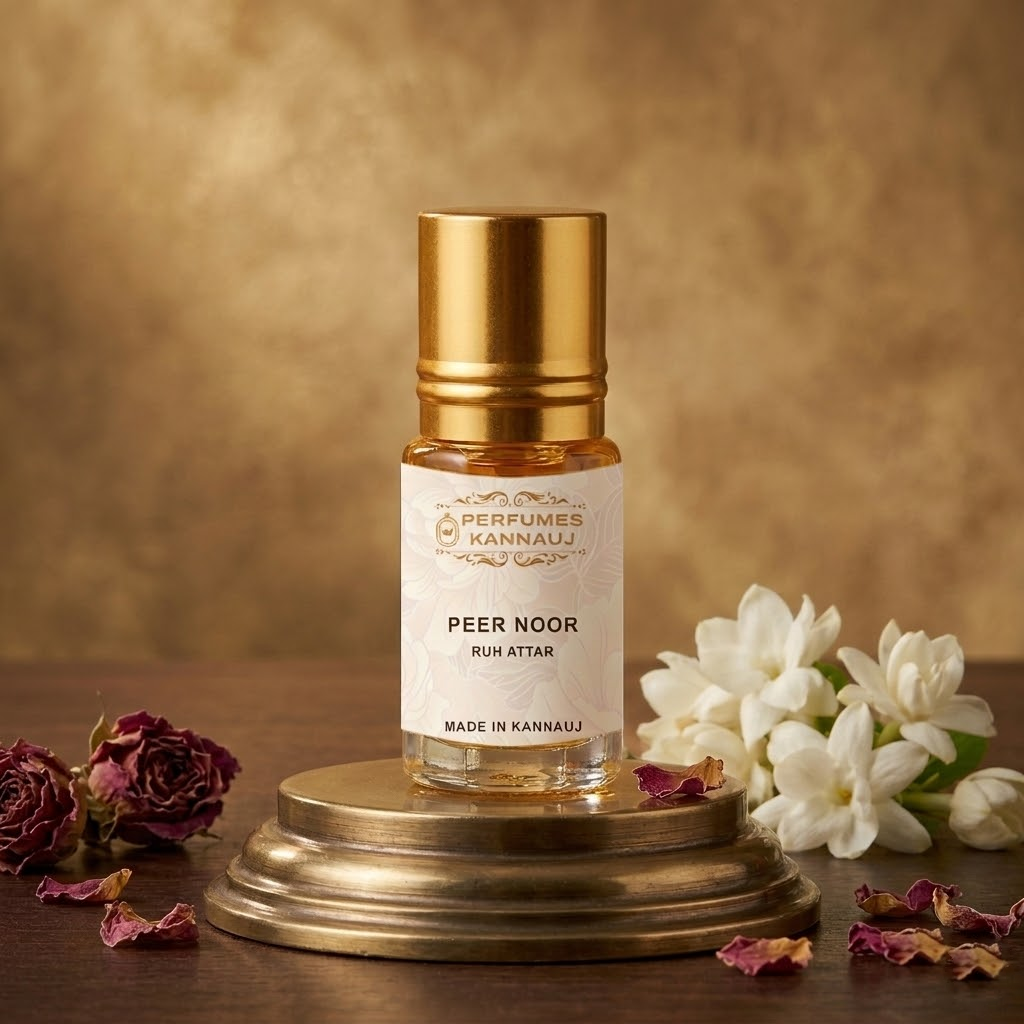
Peer Noor Attar – Divine Sufi Inspired Natural Attar from Kannauj
Peer Noor Attar is a spiritual Kannauj fragrance with a soft, divine aroma. Alcohol-free and long-lasting, perfect for prayer, meditation, and daily…
Explore Product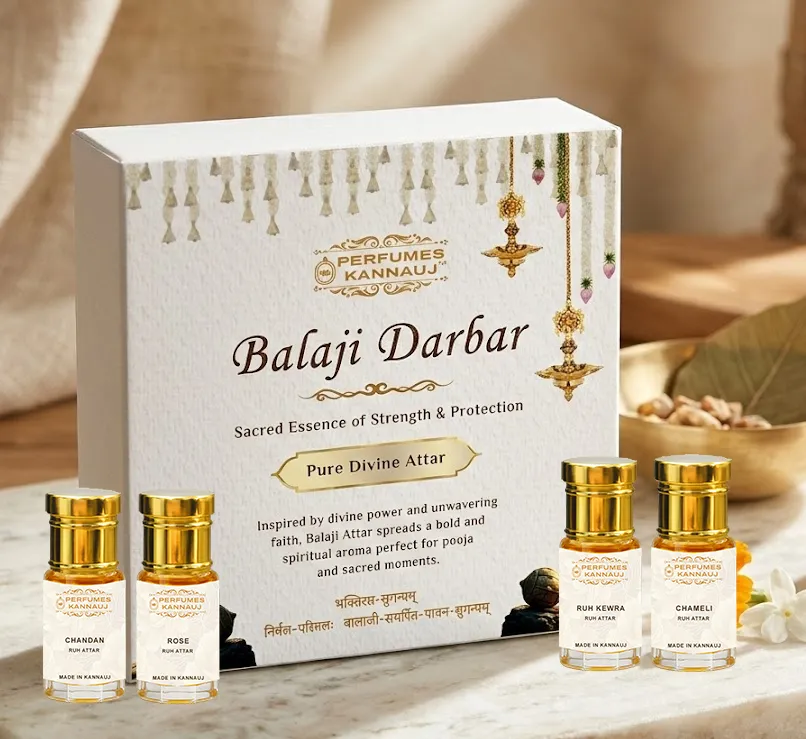
Balaji Darbar Attar
Balaji Darbar Attar crafted with Kewra, Chameli, Chandan & Rose. Alcohol-free, long-lasting divine fragrance perfect for pooja and temple use.
Explore Product👉 Try it here: https://merge-images.stackasian.com/
Why Merge JPG Images?
Here are a few reasons people often merge JPG files:
- Creating before-and-after photo comparisons
- Building visual guides or tutorials
- Sharing multiple images as a single file
- Designing social media or blog graphics
- Reducing file clutter
Key Features of Our JPG Merge Tool
Our online JPG image combiner is designed to be fast, secure, and easy to use. Here’s what you get:
✅ No installation needed
✅ Free to use
✅ Supports JPG and JPEG formats
✅ Merge vertically or horizontally
✅ Instant download
✅ Works on desktop, tablet, and mobile
How to Merge JPG Images Online
- Go to https://merge-images.stackasian.com/
- Upload your JPG images (you can select multiple at once)
- Choose layout – vertical or horizontal
- Click “Merge Images”
- Download your combined JPG file instantly
It’s that simple.
Is It Safe?
Yes – your images are processed locally in your browser. No files are uploaded to a server, which means your data stays private and secure.
If you need to merge JPG images quickly without installing bulky software or signing up for anything, our tool is perfect for you. Whether for personal, work, or creative projects, you can combine your photos in seconds.
➡️ Start merging now: https://merge-images.stackasian.com/


Leave a Reply